
Back to News
Content & SEO
SEO Report: How Do You Build One That Works?
Rocket Agents
May 30, 2025
#seo#reporting#analytics#google-analytics

Listen to the Podcast
Available on your favorite platforms
An SEO report is a document that shows how a website is doing in search engines based on several key performance indicators (KPIs). A good SEO report should demonstrate if people see your site in organic search, what users do once they get to your pages, how search performance changes over time, and if your site is healthy from a technical view.
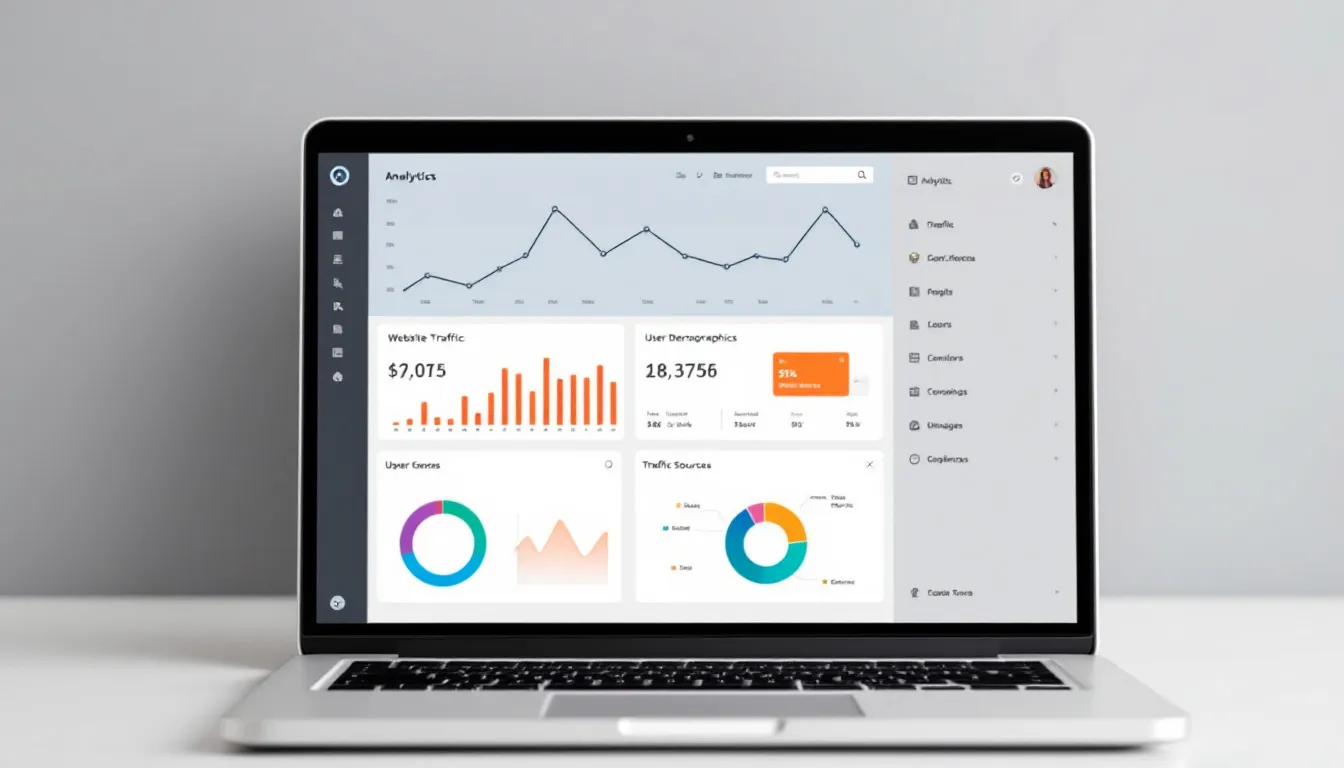
The report's main job is to help make smart choices by linking SEO performance to sales or leads, finding technical or content problems, showing how performance has improved over time, seeing problems early before they get big, and supporting business growth plans.
Key Metrics to Include
1. Organic Traffic
Visitors from search results without paid ads, showing if you're bringing in the right people.
2. Keyword Rankings & Visibility
Where your website shows up for certain words in search results. The #1 result in Google has about 27.6% click-through rate.
3. Backlink Profile
How many good websites link back to pages on your site. Pages ranking #1 in Google have 3.8x more backlinks than those ranked below.

4. Domain Authority & Page Authority
Scores that estimate how well a site or page can rank, showing overall SEO strength.
5. Page Load Speed
How long it takes for a page to fully load. Core Web Vitals are known ranking signals.
6. Bounce Rate
The percentage of visitors who leave after seeing just one page.
7. Click-Through Rate (CTR)
The percentage of times your site shows up in search that leads to a click.
8. Conversion Rate
The percentage of users who do what you want them to do, directly linking SEO to business results.

9. Indexed Pages
Pages that Google has added to its index and can show in search results.
10. Top-Performing Pages
Pages that bring the most traffic, links, conversions, or time spent on the page.
Step-by-Step Report Creation
Step 1: Figure Out Clear Goals and KPIs
Determine what you're trying to do, who the report is for, and what time periods matter. Track numbers that directly match your business goals.

Step 2: Pick the Right Tools for Reporting
Use Google Analytics 4 for site traffic, Google Search Console for search performance, Ahrefs/SEMrush/Moz for competitive analysis, Looker Studio for interactive dashboards, and Screaming Frog or Sitebulb for technical checks.
Step 3: Get and Arrange the Data
Use APIs or spreadsheets to collect data automatically, making columns clear and adding comparisons to past periods.

Step 4: Pick a Report Design
Choose between PDF reports, interactive Looker Studio dashboards, or spreadsheets based on audience needs. Keep the same structure: summary, main KPIs, traffic sources, keywords, technical issues, and action items.
Step 5: Explain What the Data Means
Add smart thoughts about numbers rather than just presenting raw data. For example, explain why traffic changed or what caused improvements.

Step 6: Make It Automatic and Easy to Copy
Set up email reports using Looker Studio, use tools like Zapier to pull data from SEO tools, and create templates for each client or site.
Report Templates for Different Industries
- Monthly Client SEO Report - Main numbers, content suggestions, and competitive comparisons
- Executive Summary - Most important numbers on one page for leaders
- E-commerce - Product-specific traffic, revenue, and conversion tracking
- Local SEO - Local rankings, Google Business Profile performance, voice search readiness

Making Reports Accessible
Write in simple language instead of technical jargon. Use charts instead of tables when possible. Add a "Main Points" summary at the top. Link numbers back to business wins like sales, leads, or brand awareness.
Tools Recommended
- Google Analytics 4
- Google Search Console
- Looker Studio
- Ahrefs/SEMrush/Moz
- Screaming Frog
- Sitebulb
- Supermetrics
- Zapier
- SEO Clarity

Best Practices
- Link reports to business goals, not just SEO targets
- Send reports at set times (monthly or quarterly)
- Use past results for comparison
- Add action steps at the end
- Include branding (logos, colors, site styles)
Mistakes to Avoid
- Including too many unnecessary numbers
- Showing numbers without explaining their meaning
- Not comparing to past results
- Failing to connect data to client or company goals
- Ignoring device-specific metrics
Written by
Rocket Agents
Part of the Rocket Agents team, helping businesses convert more leads into meetings with AI-powered sales automation.


Ready to Convert More Leads?
See how Rocket Agents can help you respond to leads instantly and book more meetings.