

Listen to the Podcast
Available on your favorite platforms
⬇️ Prefer to listen instead? ⬇️
- 46% of all Google searches have local intent, showing how important local SEO is.
- Over 60% of Google Maps usage happens on phones, stressing the need to set things up for mobile.
- Businesses in the 3-pack see a 700% jump in visibility compared to those only in the Local Finder.
- Google Local Finder results lean more on being close and filtering than Google Maps does.
- Automation tools can help you update content more often, making local ranking signals better.
Local SEO is not something you can skip anymore—it's a must. Google processes over 8.5 billion searches each day. Making sure your business shows up when people search for things nearby can mean the difference between having a steady flow of customers and getting lost among competitors. And when you want people to see you on Google, knowing the difference between Google Local Finder and Google Maps matters a lot.
What is Google Maps?
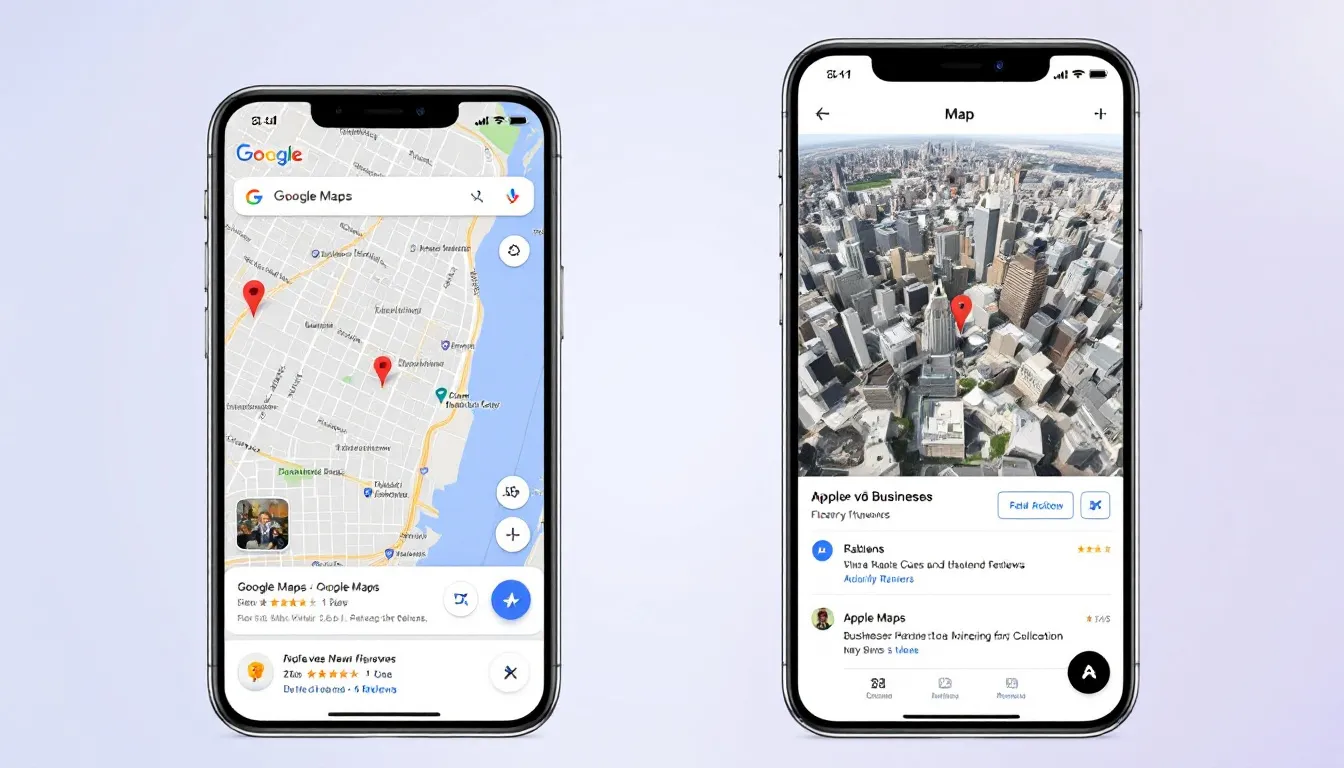
Google Maps is Google's main tool for finding places and getting around. It helps people see cities, find routes, locate businesses, and get details about places near them or far away. People use the mobile app the most, but you can also use it on a computer or see it in search results.
For users, it's a tool for finding your way around. But it's also a place to look up businesses. Google Maps shows business listings with photos, what customers say, answers to questions, busy times, and how far away things are. This makes it a strong tool that helps customers decide.
For local SEO, Google Maps does more than just give directions. It helps people find things. Someone might look for "best coffee shop near me." They will check ratings, how close it is, or if it has outdoor seats. Maps affects what people decide to do, especially when how far away something is matters.
Business Visibility on Google Maps
When your business shows up on Google Maps, people can see it in an area where they look at options. They can use the map or a list view. Things that make your listing perform well include
- How many reviews you have and how good they are.
- How close you are to the person searching.
- How correct your Google Business Profile is.
- If your pictures and business details are up to date.
Maps also has buttons for directions, calling, going to the website, and sharing location. These get people to click on things. Google might see how people use the listing.
What is Google Local Finder?
Google Local Finder is a separate thing, but it's related. It gives you a more focused list of local business search results. When someone types something like “plumber near me” into Google Search and clicks “View all” under the Local Pack, they go to the Local Finder page.
This tool looks like a results page, like Google Maps. But it's in the browser and only shows local comparisons. It doesn't show bigger map features like routes or traffic. It just focuses on how close places are, if keywords match, and filters that help people compare things.
Why Local Finder Matters for Local Businesses
People often don't realize how competitive Local Finder is. Many users click “View all” to see more than the top three results in the Local Pack. So, fixing things for Local Finder is important for businesses not in those top three spots yet.
People do specific things in the Local Finder, like:
- Comparing businesses (for example, looking at prices or services).
- Using filters to sort by star ratings or open hours.
- Reading short parts of reviews that have their search words.
Simply put, Local Finder works like a catalog of businesses near you that you can filter a lot. The people using it know what they want.
Google Local Finder vs Google Maps: Quick Comparison
Feature Google Local Finder Google Maps
Purpose Comparing businesses closely Finding places and getting around
Triggered From Clicking “View all” in Local Pack Using the app directly or from other searches
Search Behavior People want to buy or decide fast Looking around, using it as a tool
Available Filters Open hours, ratings, service keywords Directions, getting around, busy times
Device Access In the browser, linked from search Mostly mobile app, also on computer
Role in SERPs A link you click from search results Standalone app or shows up in search
Understanding The Local Pack’s Role
The Local Pack is a short list that gets a top spot on Google Search when people look for things nearby. It usually shows three businesses with map pins, review scores, and ways to contact them.
Why does the Local Pack matter?
- It shows up above the usual search results (right under paid ads).
- A lot of people click on it.
- It gets more customers because it shows ratings and business info right there.
The Local Pack is how you get into the Local Finder. It's how people go from seeing you to becoming a customer. When people click “View all,” you will show up in the full Local Finder list if your business is set up right. If not, people likely won't see you.
How Business Listings Show Up Differently
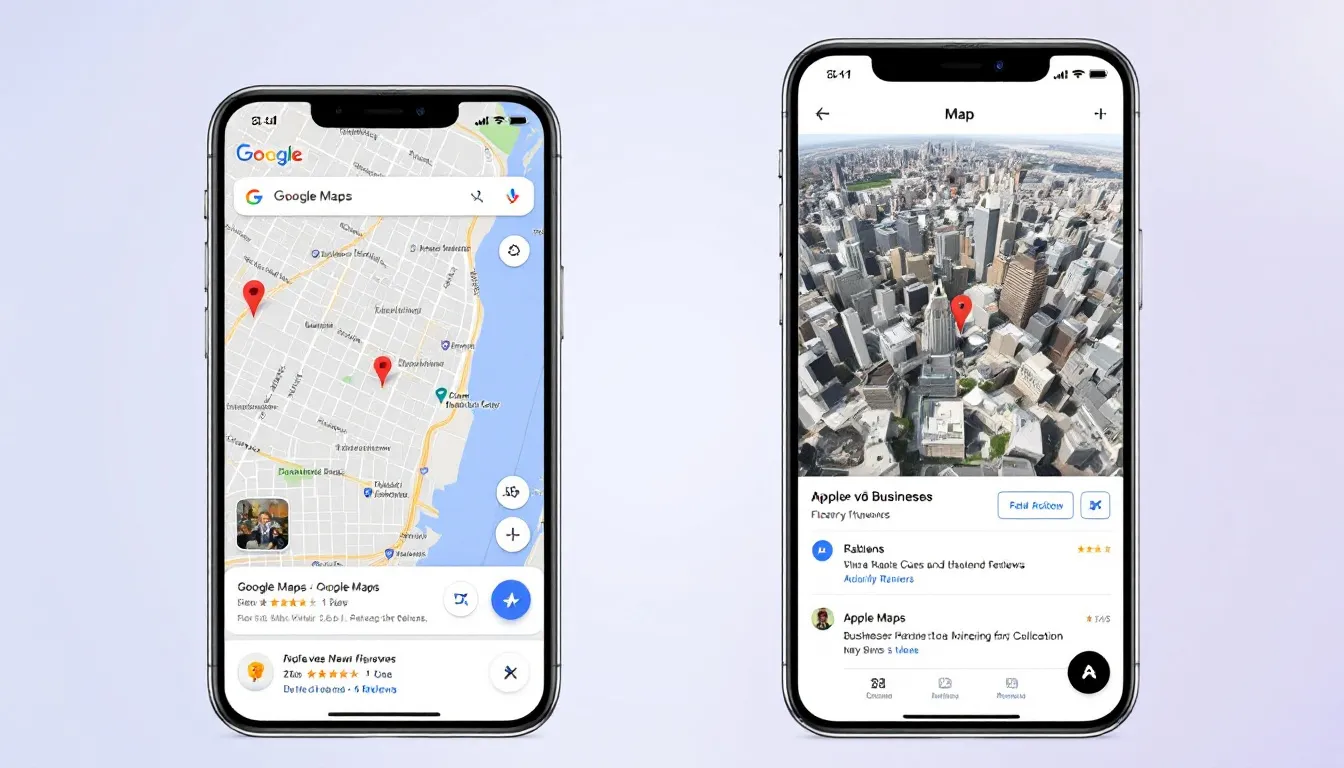
Google Maps and Local Finder both use information from your Google Business Profile. But how users see things and what gets shown first is different.
In Local Finder
- Businesses are in a list you scroll down.
- The map shows a small area, focused on where the user searched.
- Filters make it very important to have your profile filled out well.
- Star ratings, what kind of business you are, and keywords people use in reviews matter a lot.
In Google Maps
- Businesses are shown on a big map.
- People can move the map around freely. How places are laid out matters more than just being close sometimes.
- It has features for getting around, like travel times or public transit info.
- You might see more details like busiest times, menu links, or inside pictures.
This difference changes how people click. A business with better information and set up right might do better in Local Finder, even if it's not the top choice on Maps.
Key Local Ranking Factors to Know
How businesses rank locally in both Maps and Local Finder uses the same main system. Google has explained that it looks at
Proximity
Where the user is when they search, based on where their phone or computer says they are, really changes what shows first. You can't control where the user is. But you can control how Google sees your business's address. Do this by proving your location and making sure your address is the same everywhere online.
Relevance
Does your business listing and website content match what the person searched for? This includes
- Your business types.
- The services you list.
- Using relevant keywords in reviews or what you offer.
- Setting up your website to match local keywords.
Prominence
This means how well-known and trusted your business is online. Key things that show this are
- How many reviews you have and how good they are.
- Links to your website and mentions online in local news or sites.
- How active you are on your Google Business Profile (pictures, posts, replying to reviews).
Google has said clearly that all three factors work together. A business that is closer and a better match, but has fewer reviews, might still rank higher than one that is more known but farther away.
Advanced Filters in the Local Finder
Google Local Finder lets people narrow down results well. This makes it different from regular search results and Maps.
Types of filters in Local Finder include:
- Minimum star ratings (for example, 4.0 stars or more).
- Open now/open 24 hours.
- Keywords found in reviews.
- Services provided (for example, “emergency plumbing” or “wheelchair accessible”).
When you set up your Google Business Profile to have all these details, you get much better chances of showing up when people use filters. Tell customers to use keywords in reviews. Ask them, “Could you mention the type of service we did today?”
Local SEO Tips for Ranking Across Both
To rank high in both Local Finder and Google Maps, your local SEO plan needs to be complete and organized
- NAP Consistency: Make sure your Name, Address, and Phone number are exactly the same on major sites like Yelp, Bing Maps, Facebook, TripAdvisor, and specific industry sites.
- Encourage Keyword-Rich Reviews: Ask for feedback and suggest they use phrases like “Tell us about your visit to our VA Beach location.” This adds keywords naturally.
- Use Schema Markup: Add LocalBusiness-type structured data to your website code. This helps Google check your info against other places online.
- Build Location Pages: Have separate pages on your site for each area or building you are in. Put maps and directions on these pages.

Real Estate and Local Service Businesses: Pay Attention
Businesses like real estate agents, lawyers, HVAC services, pet groomers, and handymen really need people nearby to see them.
Things specific to these businesses you can do:
- Make content about specific neighborhoods (for example, "Best real estate services in Lincoln Park").
- Get reviews that mention the neighborhoods or building names you serve.
- Point out what you offer, like free first talks, virtual viewings, or emergency help.
- Add photos with location data to your Google Business Profile.
The more "local signs" you give, the more likely people in your service area will find you and feel good about you.
How Search Intent Impacts Visibility
Knowing what people are trying to do when they search can really change your local SEO plan. Here's a simple look
Google Search (with Local Pack)
- Ads you pay for
- Local Pack (3 businesses shown)
- “View all” button goes to Google Local Finder
- Regular search results
Most people here want to buy or visit something soon. Your work should focus on getting into the 3-pack or ranking first in Local Finder. Do this using how close you are, how well you match the search, and how good your reviews are.
Google Maps
People often use this when they are already ready to visit or buy and are looking at options. This makes Maps very important for
- Getting people to walk in.
- Helping people searching on their phones.
- Supporting businesses that depend on foot traffic (restaurants, salons, shops).
Making sure your listings have walking/driving directions and open hours can really help people decide right away.

Mobile vs. Desktop: Optimize for the Majority
More than 60% of people use Maps on their phone. If you don't make things good for mobile, it can really hurt where people see you locally.
Tips for mobile optimization
- Very fast load times (try for under 3 seconds).
- Phone numbers and addresses you can click.
- Content looks good on phones first (no big pop-ups or text running off the screen).
- Buttons you can easily press with your thumb.
Maps also works with Android Auto and Apple CarPlay. So, even people driving can find your listing easily if you set things up right.
Common Misunderstandings Cleared Up
People often get confused about Google Local Finder and Google Maps
-
Myth: They use totally different info or systems. Truth: Both use your Google Business Profile and look at the same three local ranking factors.
-
Myth: Local Finder doesn't bring in money. Truth: It's often where people make their final choices. This gives you a great chance to get new customers.
-
Myth: You need to pay for ads to show up. Truth: Making your listing good naturally works very well, and the results last longer, if you do it right.
Learning about this for yourself and your team can save you from wasting money and time.
Content + Automation = Local SEO Help
Doing all of this by hand is almost impossible for many places, especially businesses with lots of locations. Here’s why smart automation really helps
- Set up posts automatically each week for holidays, deals, or new services.
- Have automatic responses to reviews or track how they change.
- Use tools that make pages or posts for specific areas using local keywords.
These tools often connect right with your Google Business Profile. They save you a lot of hard work. This keeps your listings fresh and helps Google like them.
Winning in Local SEO Means Covering Both Fronts
Think of Google Maps as the tool for finding places, and Local Finder as the list people use to decide. To do well in local SEO, you need to show up in both.
A balanced plan includes
- Fixing your profile often.
- Getting reviews and making content that helps.
- Sending strong local signals.
- Using automation to keep things relevant for many locations.
This will build a way to get traffic, leads, and customers that lasts.
What should you do next? Check your Google Business Profile. Look at your competition in Local Finder. And put money into tools that help you do good local SEO automatically, especially when you have lots to do.
Written by
Rocket Agents
Part of the Rocket Agents team, helping businesses convert more leads into meetings with AI-powered sales automation.

Ready to Convert More Leads?
See how Rocket Agents can help you respond to leads instantly and book more meetings.