

Listen to the Podcast
Available on your favorite platforms
⬇️ Prefer to listen instead? ⬇️
- GBP products can improve local SEO. They show Google what your business does and how it is active.
- Businesses using Google Business Profile products often see more profile views, calls, and visits to their store.
- Product listings with good pictures and clear call-to-action buttons get more clicks and help customers trust you more.
- Moz reports 90% of shoppers use online lists, like GBP products, when deciding where to shop nearby.
- Keeping your product lists current or setting them to update automatically helps your ranking stay fresh and keeps customers interested.
If you have a local business, you have probably set up your Google Business Profile (GBP). You likely made sure the basics are right, like your hours, address, and reviews. But there is a feature many do not use. It can really help your sales: GBP products.
These digital lists show what you sell to potential customers. But that's not all. They also make your local SEO stronger, help people see your business more, and lead to more sales when you use them well.
What Are Google Business Profile Products?
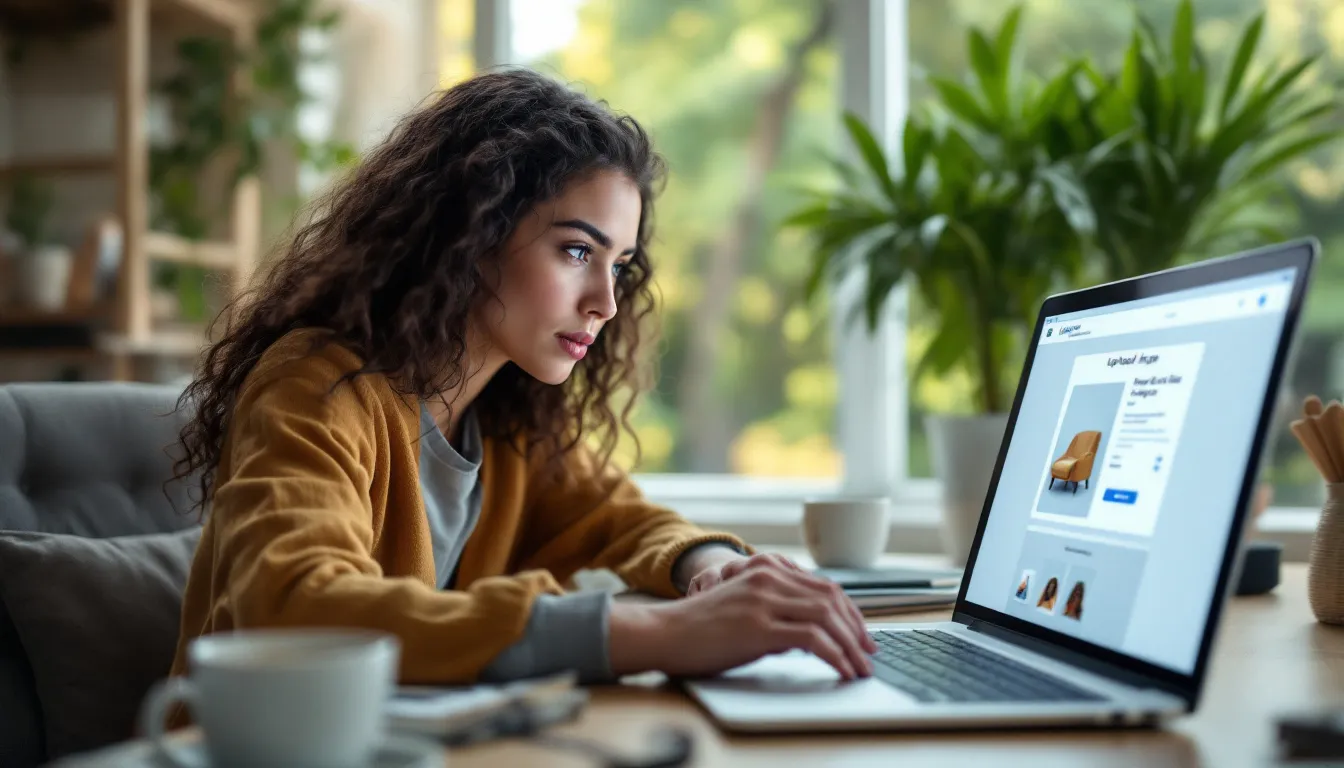
Google Business Profile products are a free part of GBP. They let local businesses show off things they sell, whether physical or digital. You can show them right on your profile on Google Maps and Search. Think of it like a small catalog people see right away when they look up your business. You can use them to show what you sell with pictures, details, a price if you want, and buttons to click to take action.
This is different from the “services” part of GBP. Services are things you do for people, like teaching, therapy, or fixing cars. GBP products are best for showing things you can hold or clear packages. For example:
- A coffee shop can list a “Pumpkin Spice Latte” when it is fall.
- A pet store can show its “All-Natural Rawhide Chews.”
- A clothing store can put up a picture of a featured outfit for the season.
Industries That Do Well With GBP Products
Any business can get something from using GBP products. But some types of businesses do much better when they show products on their profile:
- Retailers: You can show special seasonal things or offers that are only for a short time. These get attention.
- Real Estate Agents: Put up listings for houses or apartments that are for sale. Include pictures and when you have open houses.
- Salon & Spa Services: Show service packages with pictures that look good.
- Restaurants/Cafés: Add daily or weekly specials. This can get hungry people interested.
The Local SEO Power of GBP Products
Local SEO is about helping people find your business when they search nearby. Searches like "best tacos near me" or "yoga studio in Brooklyn." Google picks businesses to show based on how close they are, how well they match the search, and how well-known they are. Here is how GBP products help with this:
Freshness = Relevance
When you update your product lists often, you show Google that your business is active. Businesses that update their GBP a lot, like the products section, tend to rank higher in the Local Pack and maps.
Local Keyword Help
The names and details you give your products can be like small blocks of text that help with SEO. If you write them well with words about your area and what you sell (like “organic lavender soap in Santa Cruz”), they help your business show up in more specific searches.
Rich Snippets in Search Results
Products on your GBP might show up in the search results page with more details. These often have pictures, prices, and buttons to click. They stand out more than just plain text listings.
Simply put, GBP products do not just help customers see what you sell. They also show Google what your business is about.

Setting Up GBP Products: How To Do It
Adding products to your Google Business Profile is easy. It is good for people who are just starting. You do not need to know any special computer code. The steps are clear and simple.
How To Add Products
- Sign in to your Google Business Profile. Use the Google account you linked to it.
- Go to the Menu. Choose Products, then click “Add Product.”
- Upload a good quality picture. It should be at least 720x720 pixels.
- Fill in the important details:
Product Name
- Category
- Price (You can skip this, but adding it helps people buy)
- Write a good description with key things about the product, what's good about it, and words people might search for in your area.
- Pick a Button for people to click, like:
Buy
- Order Online
- Learn More
- Call Now
- Click Publish.
Tips for Product Pictures
Google wants pictures across listings to look similar and clear. To make your GBP products look their best:
- Use pictures you took yourself. Do not use stock photos.
- Keep the pictures clean. Do not have too much stuff in the background. Make sure the light is consistent.
- Do not put words or logos on the pictures. This goes against GBP rules.
- Use pictures showing the product being used or where it would be. This helps people connect with it more.
Google’s guidelines say that real photos make customers think your business is more real and trustworthy.
How to Edit or Remove GBP Products Easily
One good thing about GBP products is you can change them easily. Do you have something for a limited time or just for a season? No problem. GBP makes it simple to change or take away items whenever you need to.
To Edit:
- Sign in to your profile.
- Go to your Products list.
- Click the product you want to change, then click Edit.
- Make your changes and click Save.
To Remove:
- Go to your product list.
- Pick the product you no longer want to show.
- Click Remove and say yes to remove it.
Checking and fixing your list often keeps your profile useful and tidy. Taking away old items and updating what you have is a good idea. It also helps people and Google’s system trust you more.
How to Make Product Listings That Get People to Buy
Just showing your products is not enough. Your listings need to make people want to click and buy. Here are ways to help people click online or visit your store:
1. Use Strong Call-to-Action (CTA) Buttons
Each product can have one button for people to click. Make it count. Pick buttons that work with what you want people to do:
- "Order Online" -> Best for things that do not cost much or food delivery.
- "Call Now" -> Good for talking about services or things that cost a lot.
- "Learn More" -> Best for things that are complex and need more details.
Try different buttons over time to see which ones get the most clicks.
2. Add Keywords to Descriptions
Put words about your area and the product in the description in a natural way. For example:
"This handmade teakwood bench is made by Denver artists. It is great for patios and garden spots."
This helps people find you more. Also, it tells people looking for the product more about it.
3. Think About How People Find Images and Alt-Text
Google does not let you add alt-text for GBP product pictures right now. But using keywords in the picture file names (like “denver-handmade-teak-bench.jpg”) can help a little bit.
Moz says that 90% of shoppers read product lists and details before picking a place to shop nearby. Everything you put in your listing helps customers decide.
Top Businesses That Do Well with GBP Products
Every business can use GBP products. But small and medium local businesses in some areas get more out of it.
Retail Stores
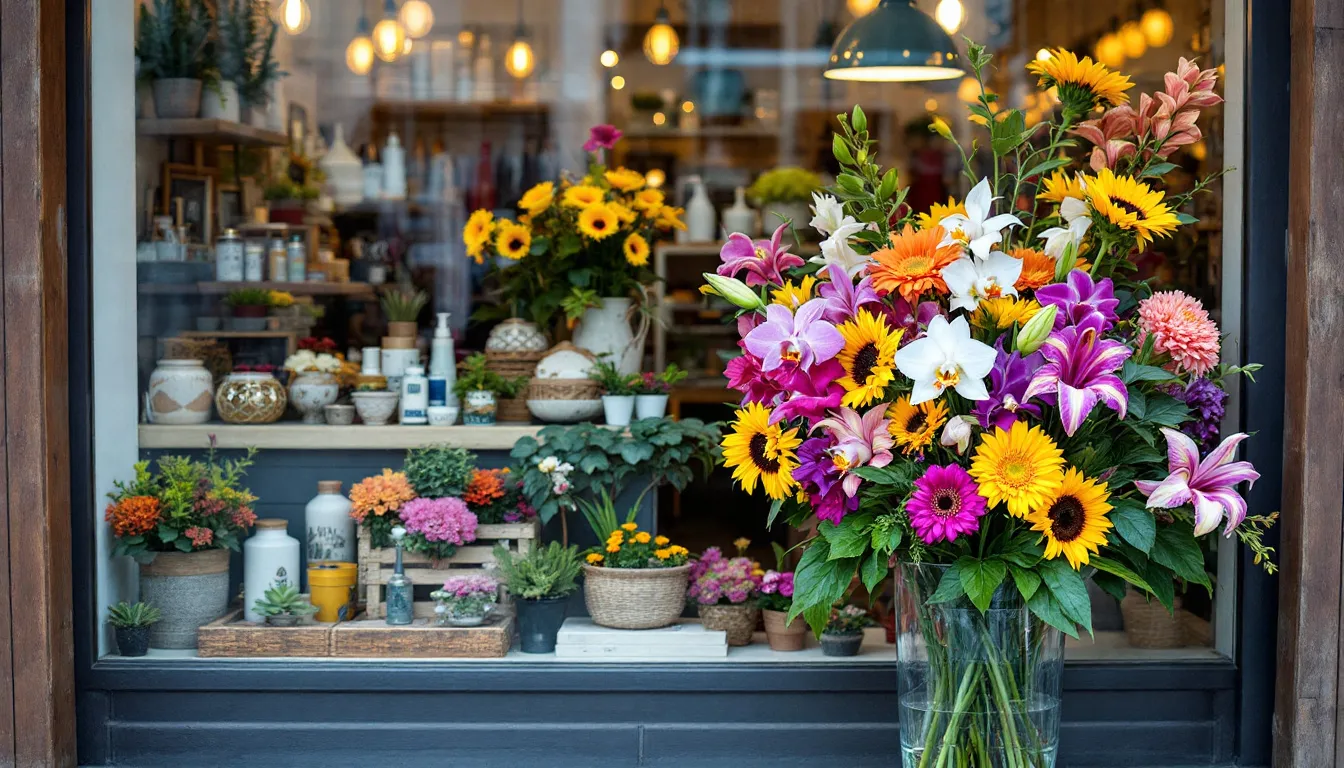
Show "top picks," "staff favorites," or season-specific groups of items. This is like having a digital window display right on Google.
Real Estate Agencies
Put up houses, apartments, or rentals you have. Use good pictures and search words that include the place they are located.
Restaurants & Food Vendors
Add dishes that change, special offers, or meal deals. Invite people on Google to see your menu before they even go to your website.
Health & Beauty Services
Show treatment deals or special services like a “Spring Glow Facial” or a “Weekend Massage Bundle.” If the price changes by day, add that too.
How Important Good Pictures Are
Pictures are often the first thing people see. This is extra true in areas where how things look and how people feel about them matter a lot. The pictures should match your brand and be clear.
Tips for Pictures That Look Great:
- Simple background: Keep people focused on the product itself.
- Same look: Use a similar style for all product photos. This makes it look professional.
- Do not add too much: No price notes or "SALE" text on the picture itself.
Real photos always do better than stock images. They help people feel more connected. Google says pictures should be clear, fit what you are selling, and not have extra graphics or logos added to them.
GBP Products vs GBP Posts: What to Focus On?
Some business owners get products and posts in GBP mixed up. But they are used for different things:
Feature GBP Products GBP Posts
How Long They Show They stay up (until you take them down) Show for a short time (7 days or till an event)
What They Are For Showing items you sell or packages Telling people about news, events, deals
Where They Show Below business info on your profile A moving list near the bottom of profile
What's In Them Picture, details, price, button Text, picture, link, button
Smart Idea: Use Both
Use a GBP Post to tell people you have a new product. At the same time, add that product to the “Products” section so it stays visible. This gets people talking at first and helps people see it for a long time. And it does not cost extra.
Checking How Things Are Doing: What Numbers to Watch?
To know if your GBP Products are working well, you should look at the numbers Google shows you. You can find these in Google’s Insights section. You can also use tools like Google Analytics to track more things.
Numbers To Watch:
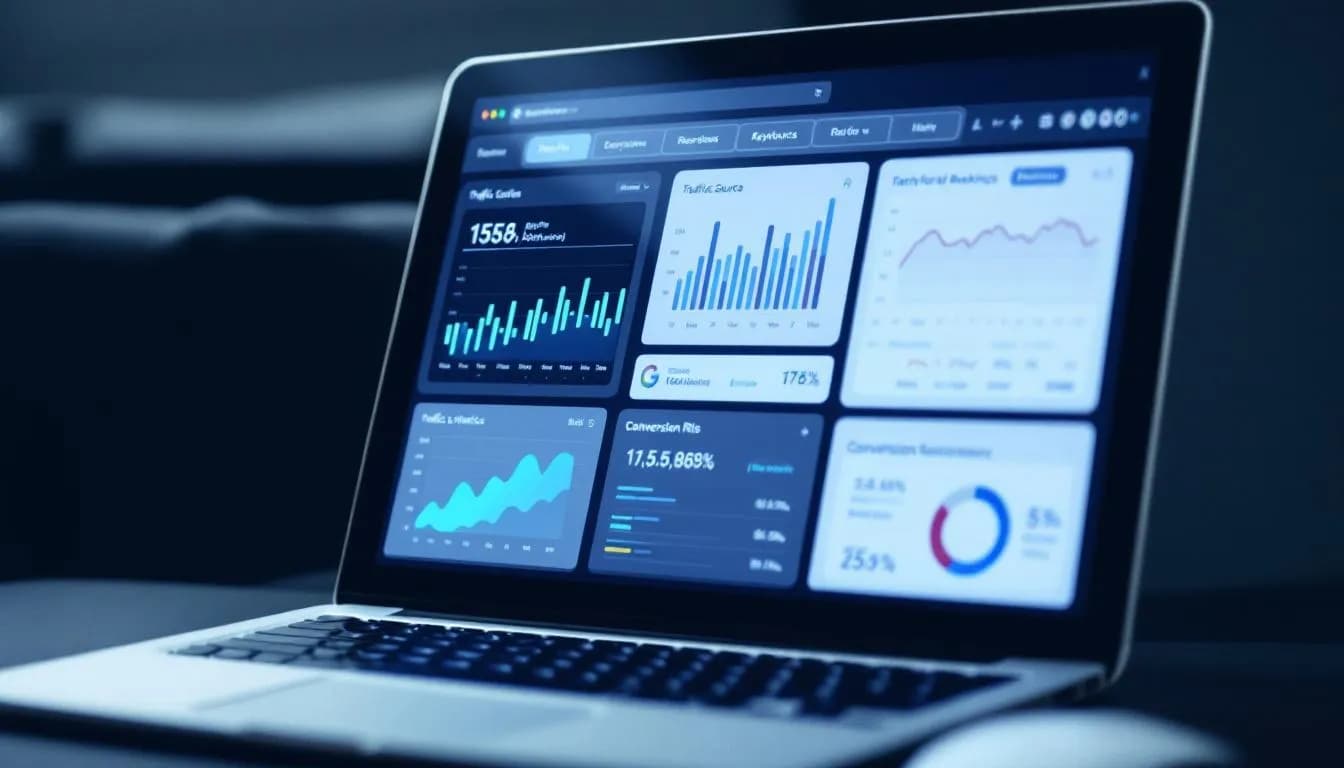
- Product Views: This shows how often your listings show up when people search for your business or things like it nearby.
- Interaction Rate: This tracks how often people click on buttons like “Call Now” or “Visit Website.”
- Sales/Goals: Use special links (UTM parameters in your URLs) to see if clicks from your products lead to sales, people booking things, or downloading files.
Using UTM links helps you see if people clicking on your Google listing are actually buying things. This clearly shows if it is worth the effort.
Things to Not Do
Even good tools do not work if you use them wrong. Here are mistakes that can make your GBP products not work well:
- Listing the same product more than once: This confuses people and spreads out the signals Google uses for ranking.
- Not updating stock: If your list shows things you don't have, it makes your business look bad.
- No button or price: People might not know what to do next or lose interest if they do not see a price.
- Pictures that are not good: This makes your business look less trusted and professional. People are less likely to click.
Always think of your GBP like your online store. Checking and updating it often is very important.

Getting More People to Find You Locally With Automation
If managing your GBP product lists yourself feels like too much work, you could use tools that do it for you. Here are some:
- Tools for local SEO (like Yext, BrightLocal)
- Tools for social media that can use your product info (like Buffer, SocialBee)
- Tools linked to your sales system for restaurants and stores that automatically update when items are out of stock (like Square, Toast)
These tools can help you plan updates ahead of time. They can also make sure the words used for products match your blog. Plus, they keep your listings the same everywhere. This helps you work better and look more professional.
GBP Products as Part of Your Bigger Local SEO Plan
GBP products are helpful, but they are just one piece of how you get found locally. You will get the best results when you use this feature with other things:
- Having the correct business name, address, and phone number listed everywhere
- Using the same brand voice and keywords
- Asking for reviews and answering them
- Putting content with location tags on social media
A good Google Business Profile, made better with GBP products, shows you are relevant, trustworthy, and consistent. These are the main parts of being found locally.
Example: A Small Store's Success
Think about a small store in Austin, TX. The owner started adding three new products to the GBP every week. This matched what they were showing on Instagram and in the store. After just 60 days:
- Calls from Google searches went up by 25%
- Visits to the store went up by 15%
- Customers started talking about the names of products in their reviews
The store did not just reach more people online. It turned online visibility into sales in the real world. That is the power of using GBP products well.
Written by
Rocket Agents
Part of the Rocket Agents team, helping businesses convert more leads into meetings with AI-powered sales automation.

Ready to Convert More Leads?
See how Rocket Agents can help you respond to leads instantly and book more meetings.